Shading that shows the folders
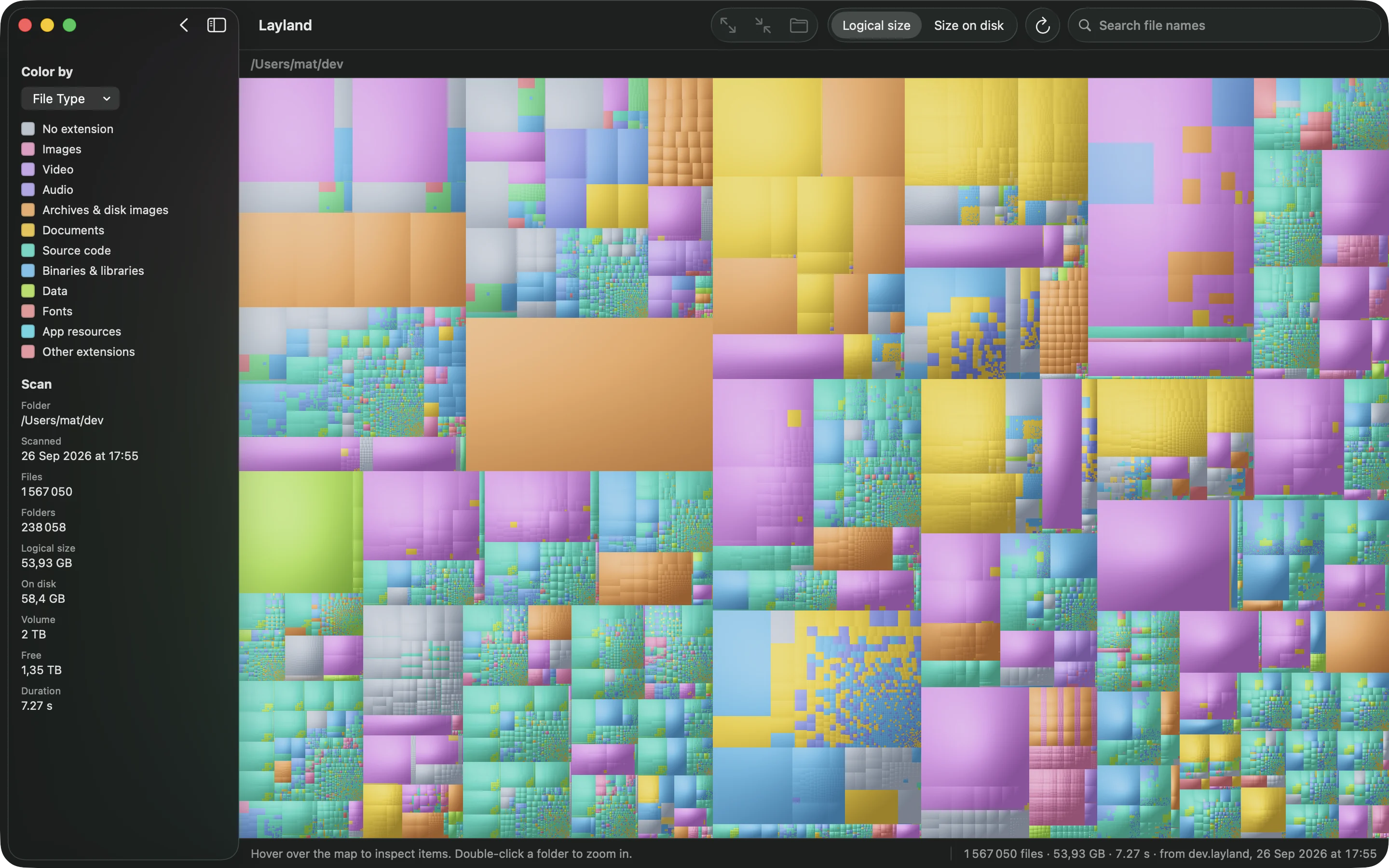
Cushion shading gives every folder a gentle bump, so you can see where folders begin and end without lines between them. Choose flat, subtle, normal or strong.
7× faster than GrandPerspective on the same home folder
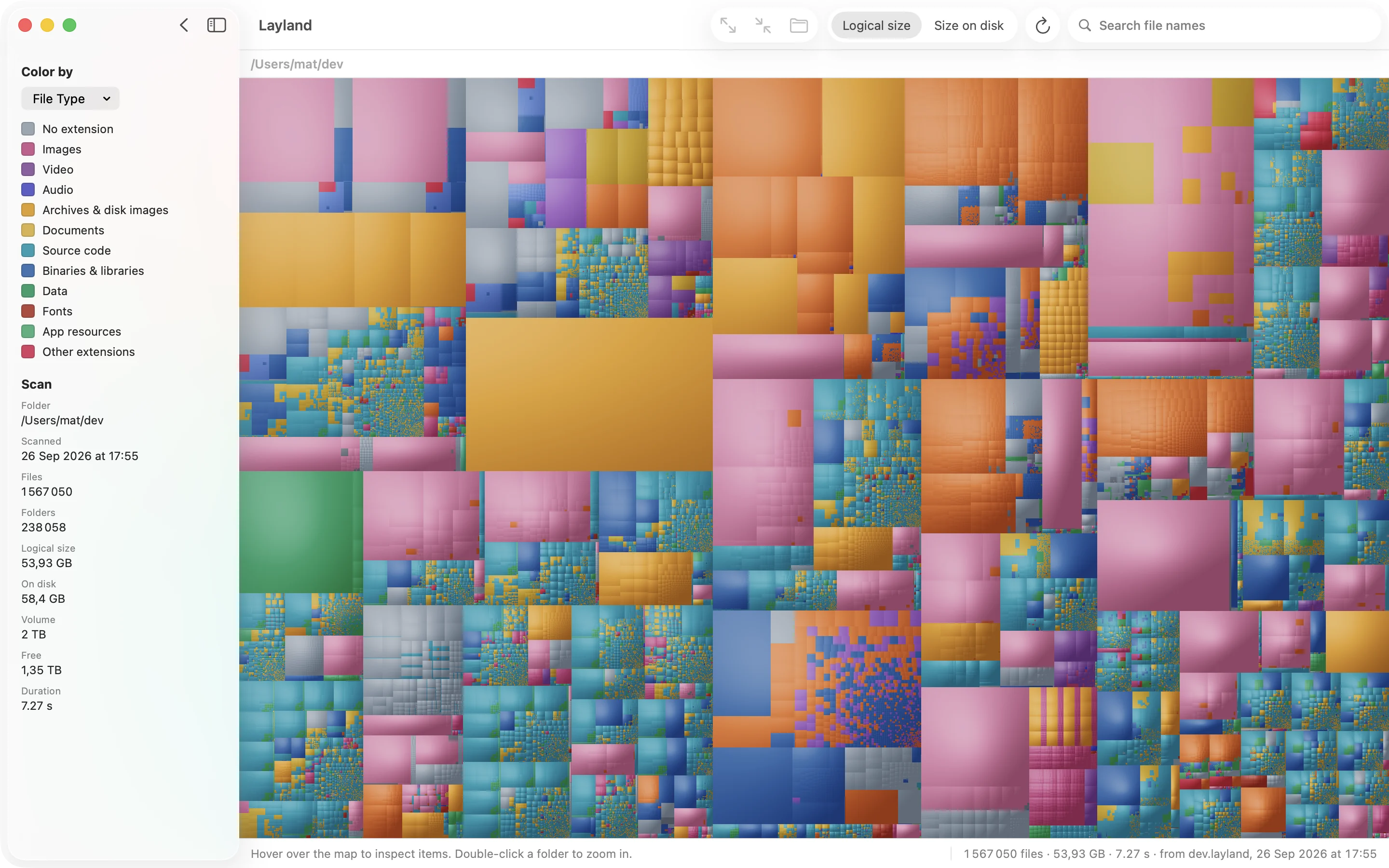
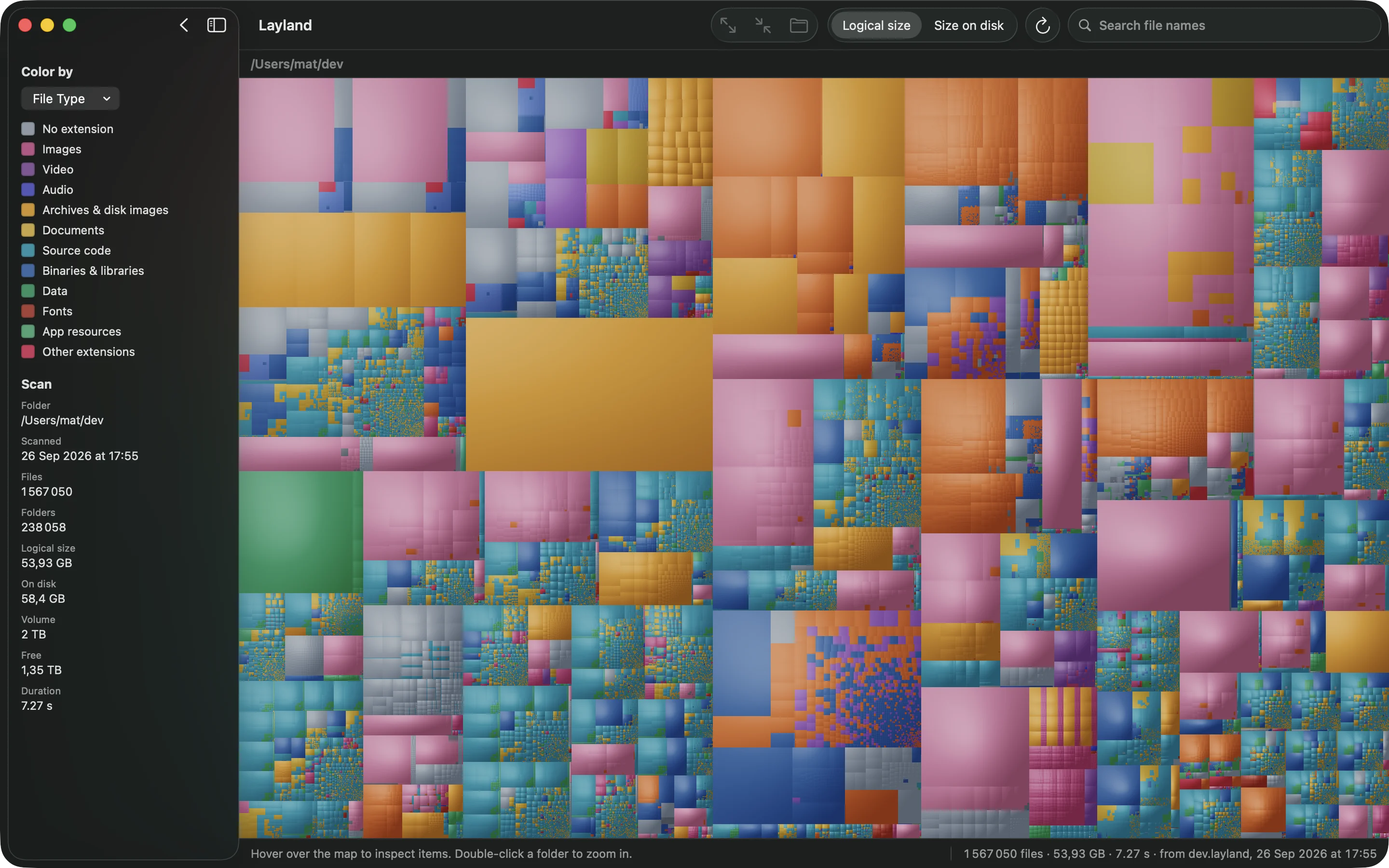
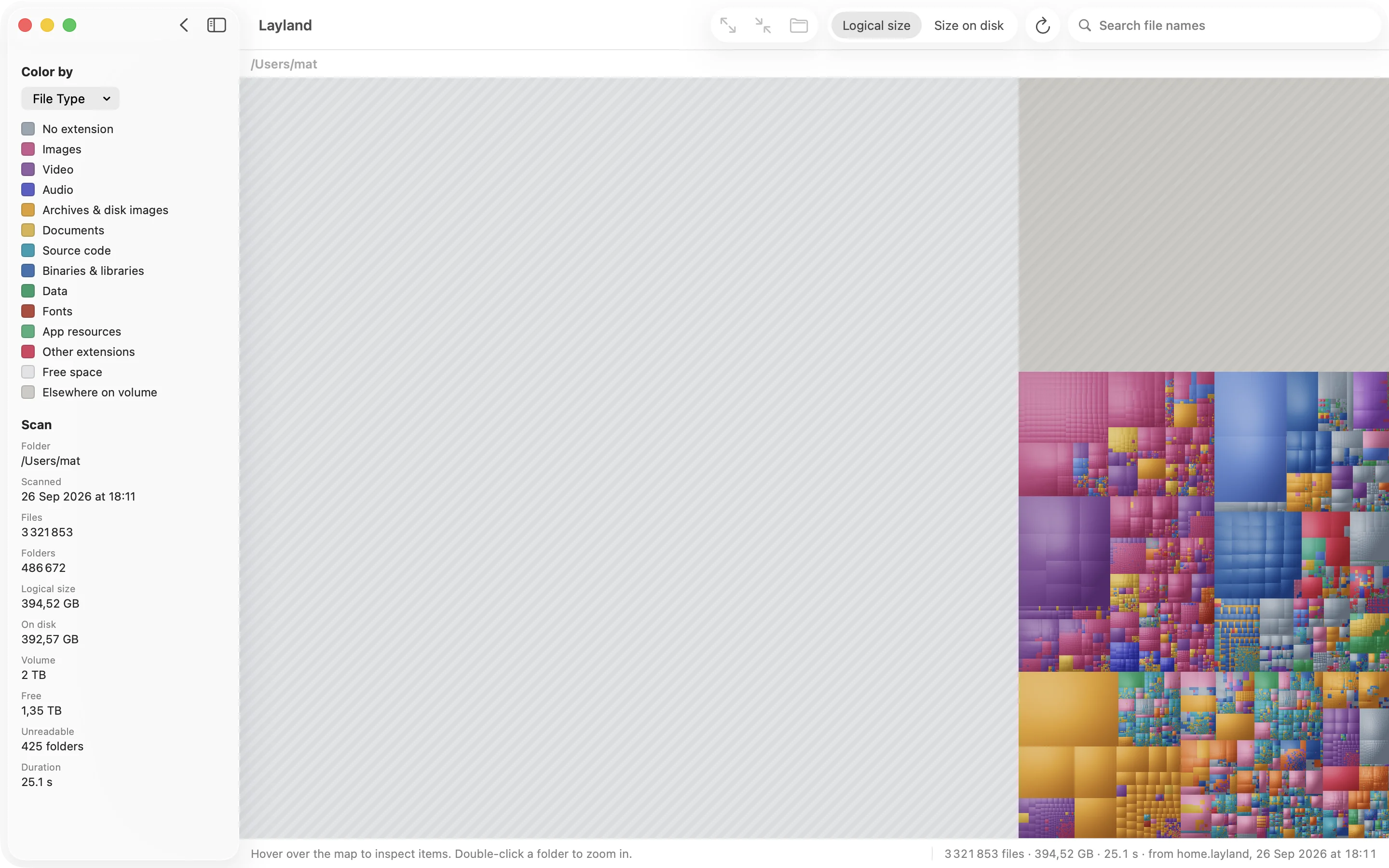
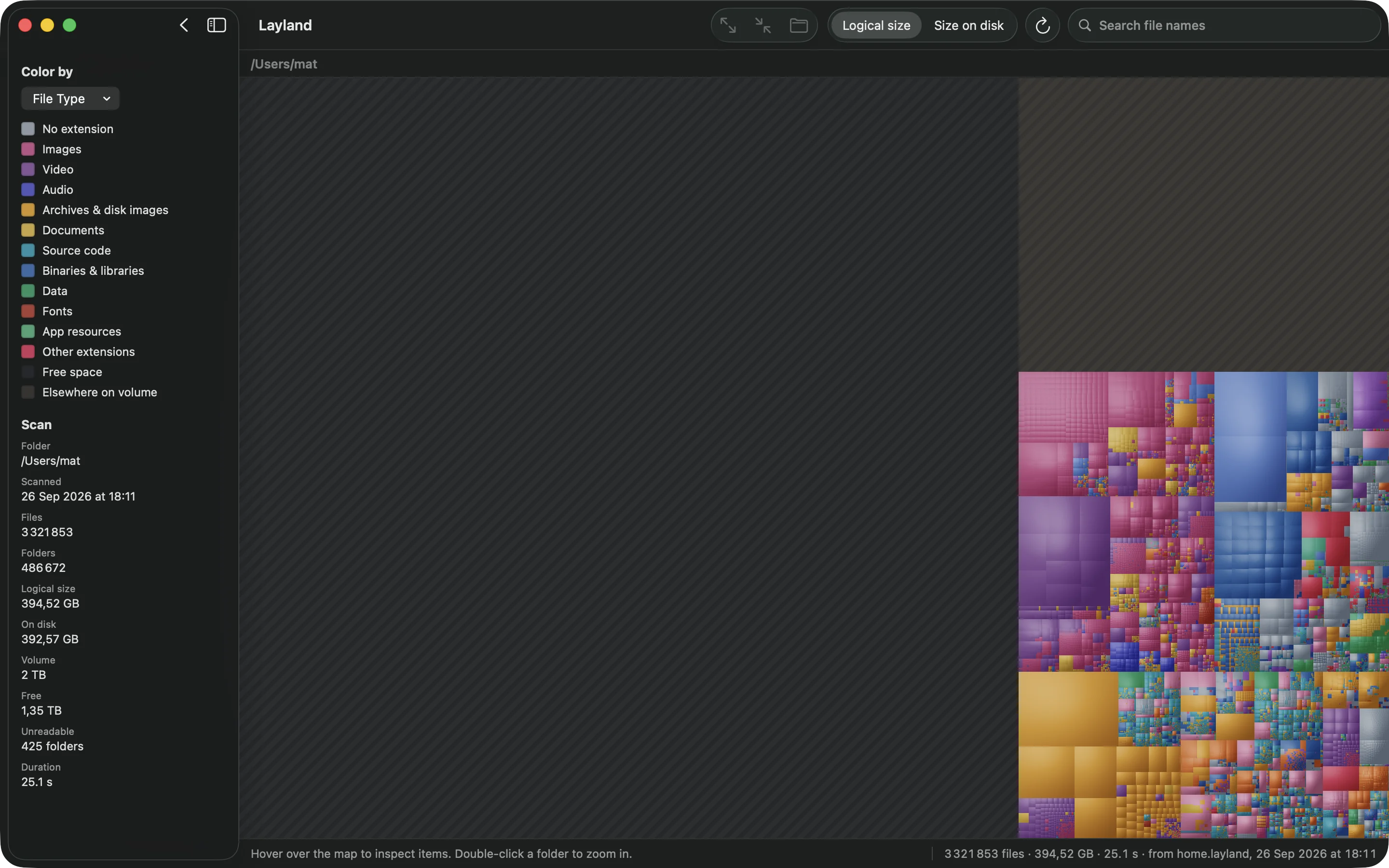
Layland scans your disk and draws every file as a block sized to what it takes up. The 38 GB virtual machine you forgot about stands out at a glance. A 3.3-million-file home folder takes 14 seconds.
macOS 15 Sequoia or later · Apple silicon & Intel · Native Swift
The problem
The Finder shows folders as a list, and a list hides size. Storage settings file half your disk
under “System Data” and leave it there. du takes over a minute to walk a home
folder, then prints a wall of numbers.
A treemap shows the whole disk on one screen. Every file is a block sized to what it takes up, and every folder is a block of blocks. Big things look big. You spot the forgotten Xcode simulators, the 22 GB Docker image, and the render files from a project you shipped in 2023, and you deal with them.
A closer look
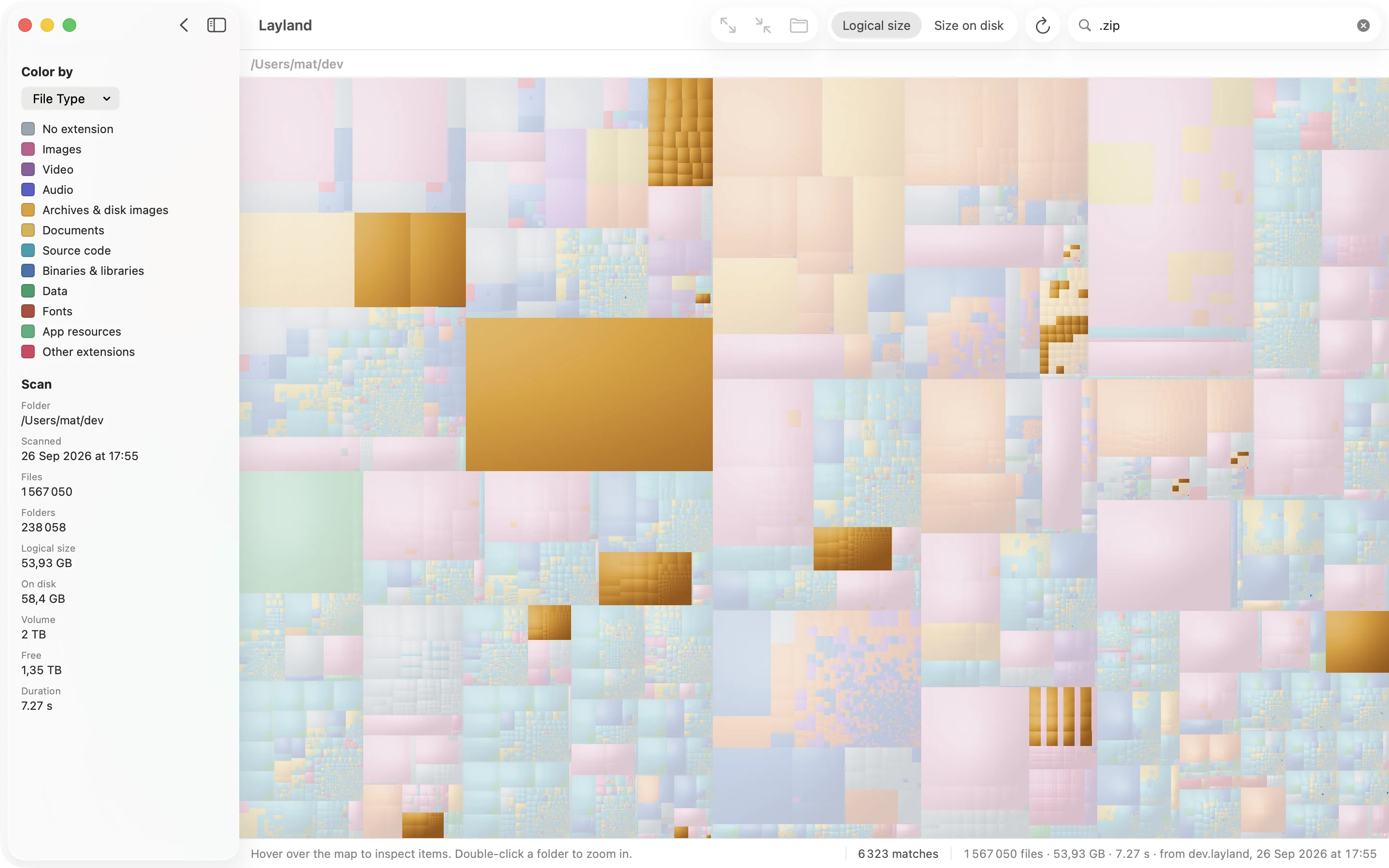
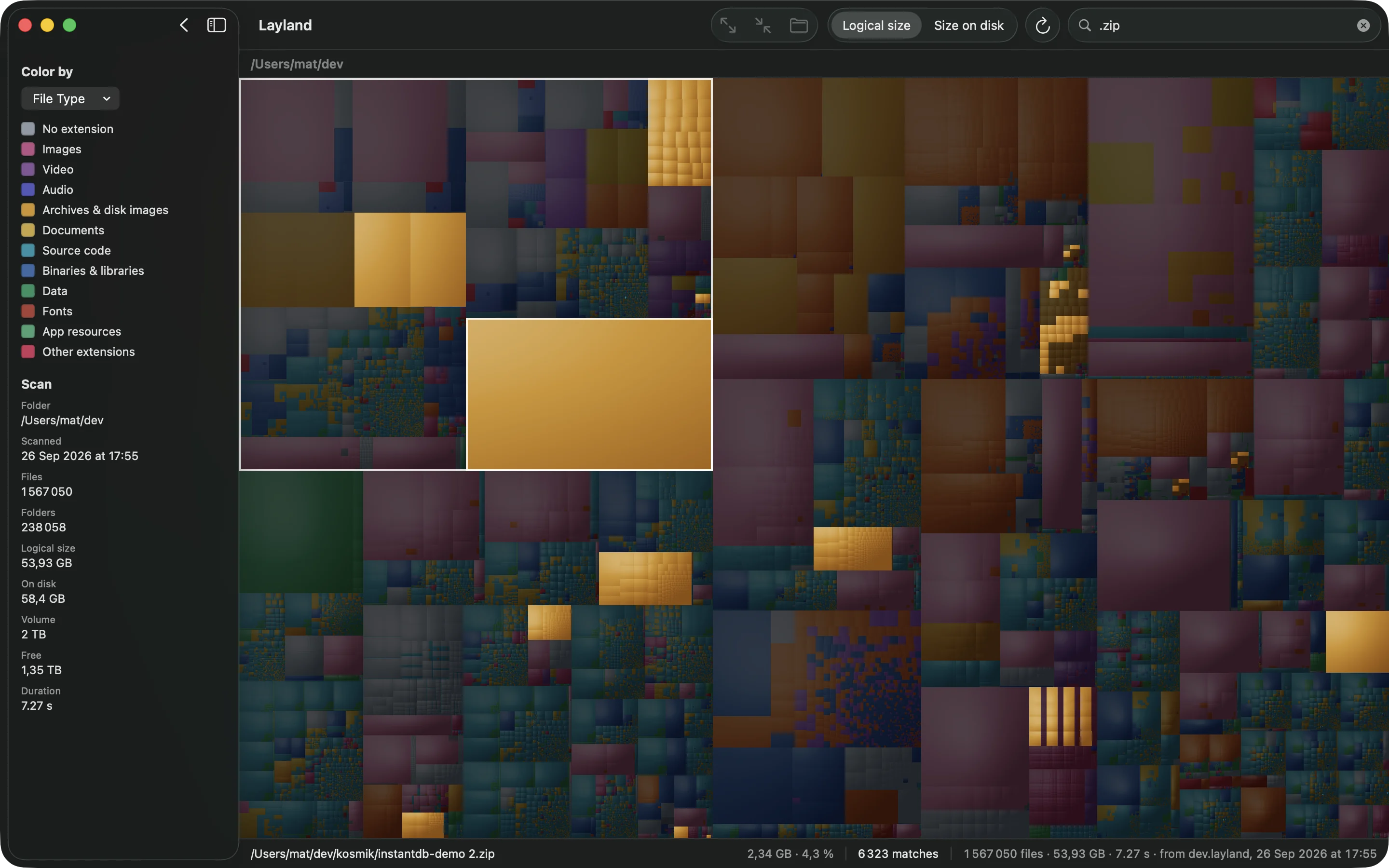
.zip, and everything that doesn't match dims. It takes about 50 ms, even with millions of files.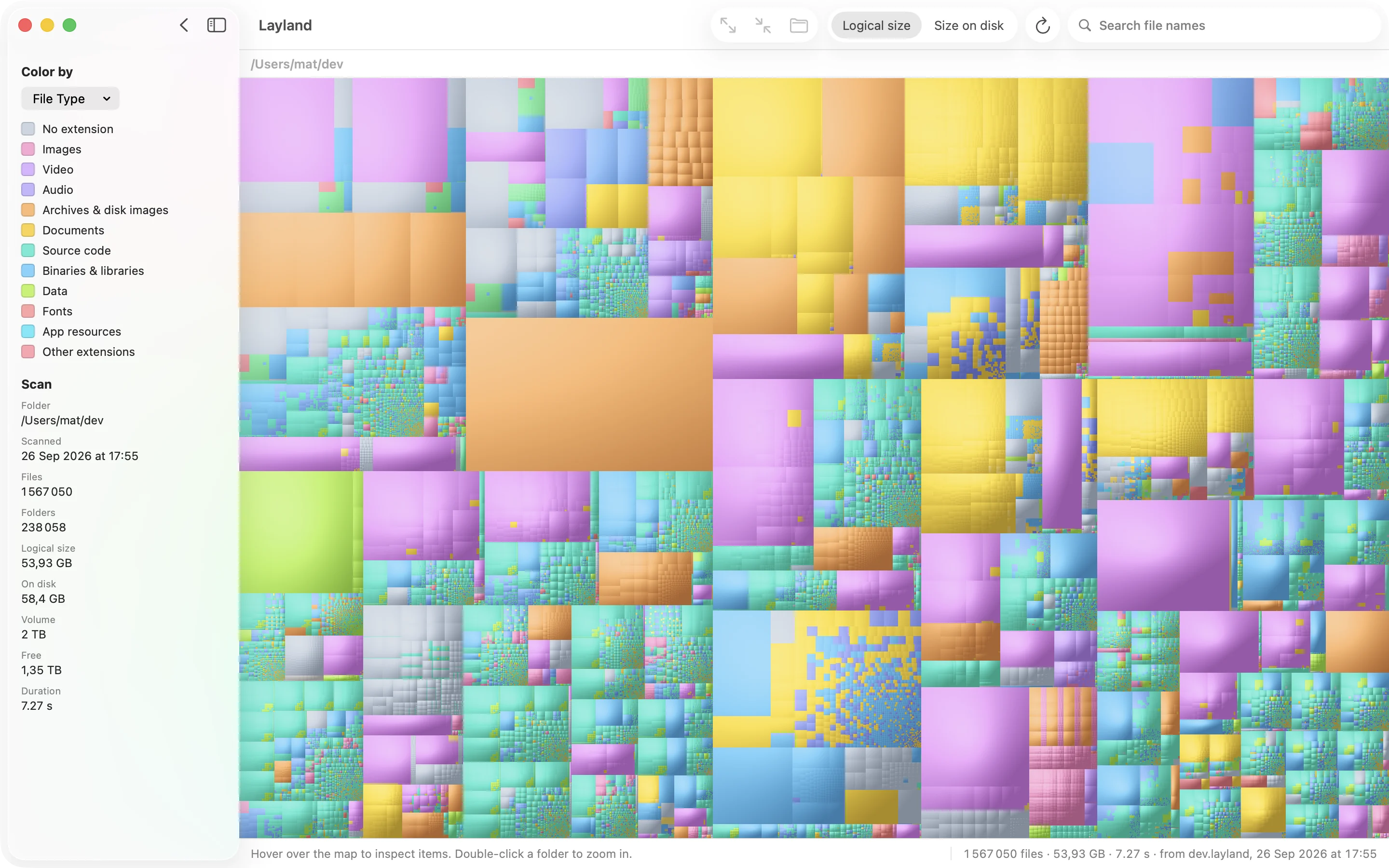
Speed
Other disk tools make you wait long enough to go and make coffee, and you've stopped caring by the time the scan finishes. Layland is quick enough to run whenever you're curious. These are real timings: the whole home folder, 3.3 million files, played back at ten times speed.
~ · 3.32 M files · 500 k folders
 Layland
0.0 s
Layland
0.0 s
du -sk
0.0 s
| Folder | Files | Folders | GrandPerspective | Layland | Faster by |
|---|---|---|---|---|---|
~/dev | 1.55 M | 234 k | 42.2 s | 6.3 s | 6.7× |
~/Library | 892 k | 126 k | 31.2 s | 4.3 s | 7.2× |
~ (home) | 3.32 M | 500 k | 97.5 s | 14.2 s | 6.9× |
MacBook Pro, Apple silicon, 8 cores, 24 GB. macOS 26.6, APFS on the internal SSD, warm cache, both apps granted Full Disk Access. GrandPerspective 3.8.1 was built from source, unsandboxed like its website download, and timed by its own log line. Both apps report the same folder counts.
Under the hood
It's written in native Swift and has no dependencies. Scanning is limited by how quickly your SSD can answer, not by the CPU, so Layland keeps the SSD busy the whole time.
getattrlistbulk(2) returns a batch of directory entries with their type, sizes,
inode and flags in one go. That means no stat for each file, no
FileManager and no URL objects.
Each folder is a work item on a queue served by a pool of threads, about four per core,
so the SSD always has several requests waiting. This accounts for most of the lead over du.
Each folder is opened with openat relative to its parent, so the system
looks up one name at a time instead of resolving the full path every time.
Each file or folder is a 48-byte record in one flat array, and all names share one buffer. 3.8 million entries fit in about 180 MB, and nothing is allocated or reference-counted while scanning.
Hard links are counted once. Scans stay on one volume, and APFS firmlinks such as
/Users are followed, so scanning / adds up to what the Finder shows.
Features
Cushion shading gives every folder a gentle bump, so you can see where folders begin and end without lines between them. Choose flat, subtle, normal or strong.
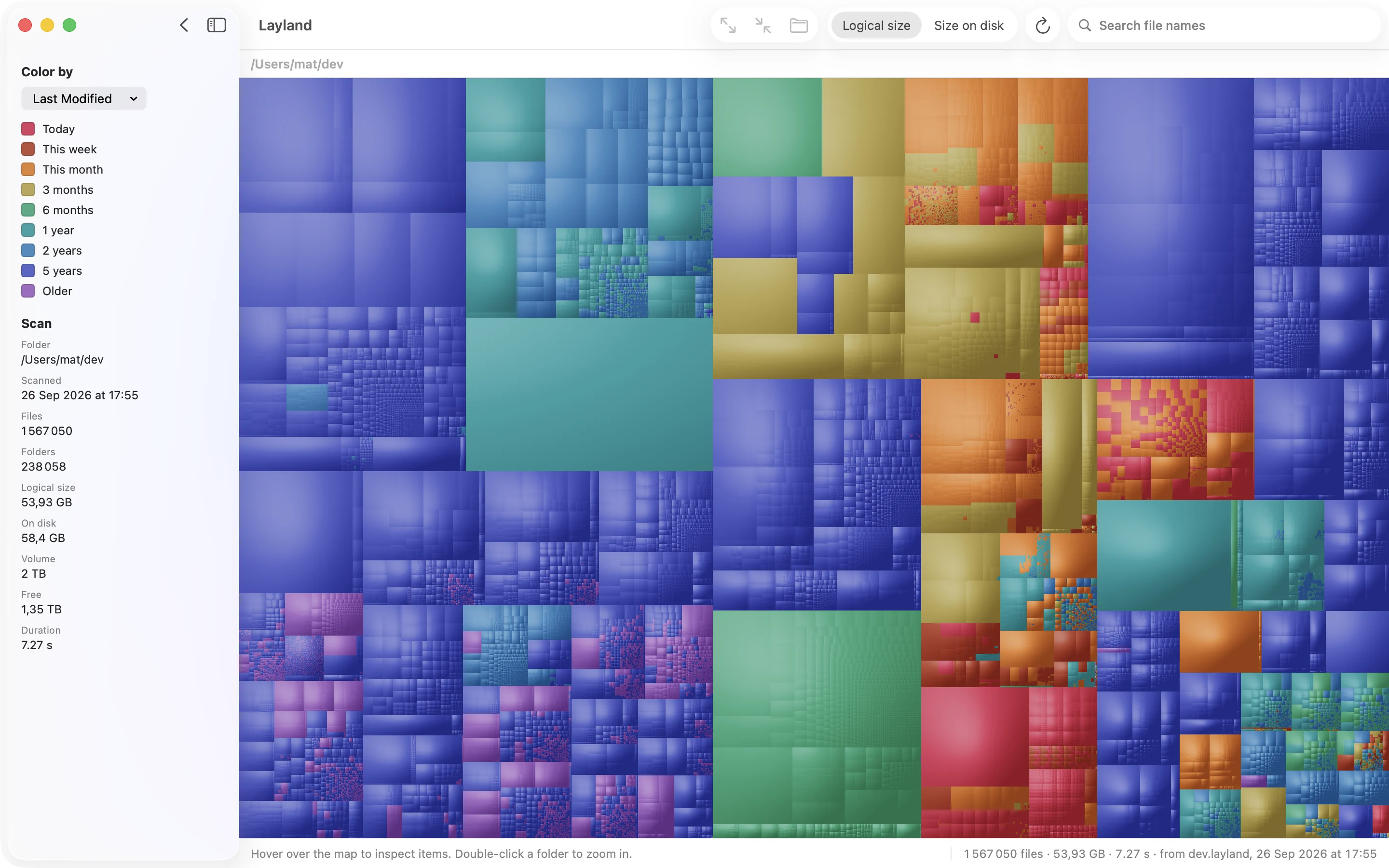
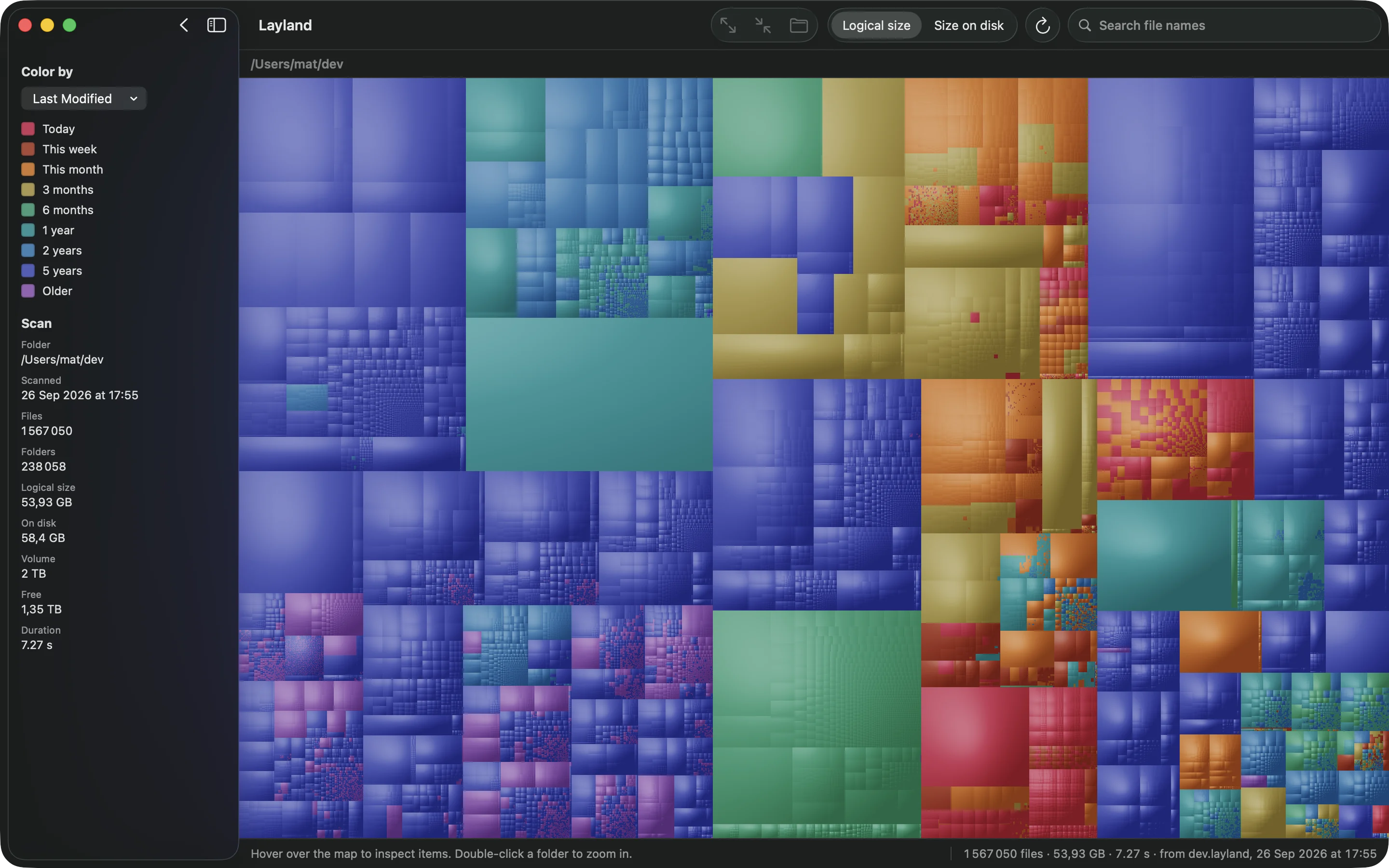
Videos, archives, code and photos each get their own color. Or color by last modified date, from today to more than five years ago, to find what you haven't touched in years.
Show Free Space adds the free space, and everything outside the folder you scanned, to the map. Then you can see what a folder costs you compared to the whole disk.
Type part of a file name and everything else dims, in about 50 ms even with millions of files. Folders that contain a match light up too. Press ⌘G to jump to the next one.
Press space to preview any file with Quick Look. Reveal it in the Finder or move it to the Trash without leaving the map. Nothing is deleted without asking you first.
Arrow keys move between neighboring blocks. ⌘[ selects the enclosing folder and ⌘] the largest item inside it, so you can dig down to the biggest file in a few keystrokes.
.layland files are compressed: a 3.8-million-file home folder saves as 64 MB
and opens again in 0.3 seconds, so you can come back to it later without scanning again.
Choose from five built-in palettes, or make your own in the live editor, which shows a sample with every category while you pick colors. Save as many palettes as you like.
The map is laid out and drawn in the background. 3.8 million files lay out in about 50 ms, and while you drag the window edge the previous image stretches to fit, so it never freezes.
Private
Layland reads file names, sizes and dates, and nothing else. It doesn't open your files and has nothing to send them to. It has no account, no analytics and no crash reporter.
It makes two kinds of request, and neither carries anything about your files. When you enter a license key, it asks Gumroad whether the key is valid, then again about once a month. And once a day, if you said yes when it asked, it checks this site for a newer version.
To see everything, including other apps' data in ~/Library, give Layland Full Disk
Access in System Settings. Without it, Layland measures only the folders macOS lets it read, and
asks before reading Desktop, Documents and Downloads.
The full privacy policy is short. The source is published, so none of it has to be taken on trust.
Pricing
The free version scans any folder or disk and draws the complete map. A license adds the details you need to clean up.
$0
No time limit, no account
$9.99 one time
Pay once, no subscription
.layland scansThe license key arrives by email. Paste it into Layland ▸ License and the app unlocks right away. 14-day refund, no questions asked. The source is published, so you can also read it or build it yourself.
FAQ
They share the idea: GrandPerspective and Disk Inventory X draw treemaps too, and DaisyDisk draws rings. The difference is speed. On the same home folder, Layland finishes in 14 seconds where GrandPerspective takes 97. After that it's about the details: cushion shading, color by age, the free-space view, fast search, and resizing that doesn't stutter.
It doesn't need it, but without it macOS hides parts of ~/Library and other apps'
containers, which is often where the space went. With Full Disk Access, Layland's totals match
the Finder's. The app only reads names, sizes and dates.
With a license, it can move files to the Trash: select a file, then choose Item ▸ Move to Trash and confirm. It never deletes anything permanently, so you can undo from the Trash as usual.
Yes. Choose the drive or any folder on it. Scans stay on the volume you picked and don't cross into other mounted drives, so the numbers are for that drive only.
Not yet. It's distributed directly from this site, signed with an Apple Developer ID and notarized by Apple. A sandboxed App Store version is on the roadmap.
Any Mac running macOS 15 Sequoia or later, Apple silicon or Intel. It's fastest on an internal SSD, because it's built to keep the SSD busy with many requests at once.
Yes. It's published under FSL-1.1-ALv2, which becomes Apache 2.0 two years after each release. Read it, or build it yourself, at github.com/daformat/layland.
It's in your purchase receipt email, and in your Gumroad library under Layland.
Download it, point it at your home folder and see for yourself.